8 Claude MCP connectors that matter to Shopify brand operators
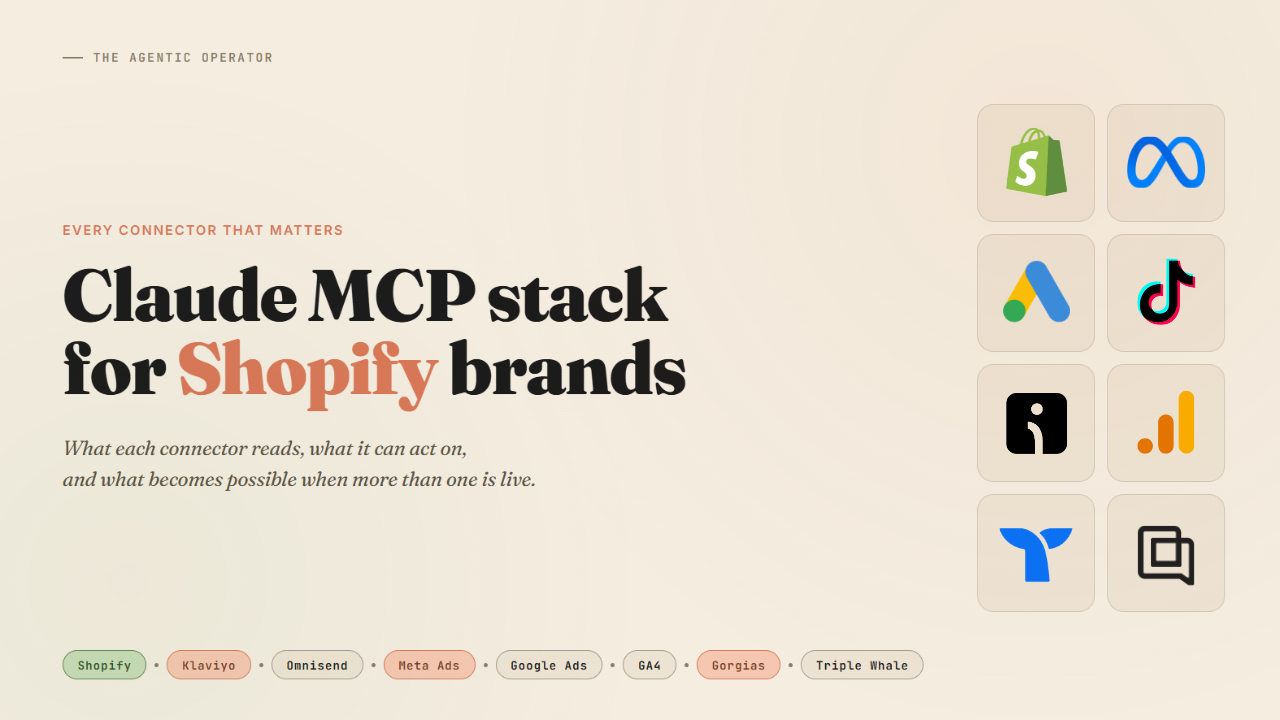
Almost all major platforms shipped a Claude connection this year - Shopify, Klaviyo, and Meta. TikTok announced theirs. Gorgias went into beta.
The store, email, paid social, customer support, and attribution layers of a Shopify brand can all now be connected from a single Claude session.
I have listed a few connectors that matter, what each one reads, what each one can act on, and what the full picture looks like when more than one is live.
1. The store layer - Shopify
Available in the Claude directory.
Customize > Connectors > Browse connectors, search Shopify, and connect.
25+ tools covering products, inventory across locations, orders, discounts, and analytics. Also covers customer records, collections, and metafield writes - anything accessible through the Shopify Admin API.
Read and write - prompts that execute bulk price updates, change product status, or adjust inventory act on your live catalog with no preview step.
If you haven't built out your prompt set for it yet, here’s a free library - routes every write action through a confirmation step before committing anything.
2. The retention layer - Klaviyo and Omnisend
Klaviyo
Available directly in the Claude directory - with 32 tools covering campaign performance, flow data, customer profiles, and lifecycle signals.
The current implementation is read-heavy. Claude can see how your flows perform, but cannot see how they are built, and there are no write tools for flows yet. The diagnostic layer is strong. Changes still happen in Klaviyo's UI.
The diagnostic layer covers revenue attributed to individual flows, a specific customer's full profile and purchase history, segment overlap across your active lists, and which flows are generating the most unsubscribes relative to their send volume.
Omnisend
Not yet in the Claude directory, but the official listing is coming. You can connect it now as a custom connector: Customize > Connectors > Add custom connector - paste https://mcp.omnisend.com/mcp, and complete OAuth.
Covers campaign performance (revenue, open rate, click rate, unsubscribes, bounce rate), automation workflow data, subscriber and contact management, and segments. The same questions you would ask Klaviyo are valid here.
3. The paid acquisition layer - Meta, TikTok, Google Ads
Meta Ads
Meta launched official AI Connectors in April - open beta, free.
Customize > Connectors > Add - paste https://mcp.facebook.com/ads and sign in with your Facebook Business account. No credentials or manual setup.
Covers Facebook and Instagram under one authentication. 29 tools spanning campaign management, performance reporting, catalog operations, and signal diagnostics.
The signal diagnostics tools are worth calling out specifically - you can ask Claude to run a pixel health check, show event match quality scores by event type, and surface any gaps between browser events and server-side signals.
One behavior worth knowing before you run it: everything the connector creates - campaigns, ad sets, ads - starts in paused status. Nothing goes live until you activate it manually in Ads Manager. Meta has confirmed this integration does not violate advertising policies and will not trigger account restrictions.
For Meta ad research → 6 Prompts to Spy on Competitor Ads in Claude
TikTok Ads
TikTok announced their official MCP server in May. Campaign setup, bid adjustments, budget reallocation, and audience targeting are all in scope.
The server is rolling out and a self-serve URL is not yet public. Windsor and Adzviser bring TikTok performance data into Claude - check below.
Google Ads
Google does not have an operator-ready connector in the Claude directory yet. These are 3 options that work without any developer setup:
→ Windsor.ai - native connector in the Claude directory, no paid plan required - covers Google Ads, GA4, Meta, TikTok, Shopify, and 345+ other sources.
→ Adzviser - available as a custom connector via URL (setup guide)- covers GA4, Google Ads, Meta, Omnisend, and 45+ other sources.
→ Supermetrics - in the Claude directory. Great if you are already running Supermetrics for reporting and want the same data surface in Claude.
A note that applies to all custom connectors in this issue - Meta, Omnisend, Gorgias, and Adzviser - adding them requires a paid Claude plan. The directory connectors (Shopify, Klaviyo, Windsor, Supermetrics) work on the free tier.
4. The site analytics layer - GA4 and Microsoft Clarity
Google Analytics
If you've connected Windsor or Supermetrics for Google Ads, GA4 is already included in that same connection - nothing extra to set up.
GA4 is a source that shows what happened on your store between the ad click and the purchase - traffic sources, checkout drop-off by step, device breakdown, and landing page conversion rates. On the ecommerce side specifically, add to cart events, checkout initiations, purchase completions, and product list performance are all queryable - the full purchase funnel, not just sessions and pageviews.
The ad connectors tell you what drove the visit and GA4 tells you what the store did with it. When both are live in the same Claude session, the attribution question becomes a concrete number rather than a platform argument.
Microsoft Clarity
Available in the Claude directory.

Where GA4 shows drop-off rates by funnel step, Clarity shows what users were doing before they left - scroll depth, rage clicks, and where exactly the exit happened. The two connectors answer different questions and work best together.
5. The support layer - Gorgias
Gorgias launched their official MCP in open beta (setup guide).
Customize > Connectors > Add custom connector.
Paste https://mcp.gorgias.com/mcp?gorgias_subdomain=your-subdomain, replacing "your-subdomain" with the part before .gorgias.com in your Gorgias account URL. Available on all Gorgias plans at no extra cost.
What it surfaces: frustration patterns across tickets, top return reasons by volume, most-requested restocks, VIPs with low CSAT scores.
Helpdesk hygiene: gaps in your tag taxonomy, macros that haven't been used in 90 days, and rules that may be creating routing gaps.
AI Agent audit: review your Gorgias AI Agent's Guidances and simulate how it would respond to a specific ticket before enabling anything.
Support tickets contain product signals that your Shopify analytics don't surface. The products generating the most return tickets, sizing complaints, and damage questions are catalog problems first - and having that data in the same session as your Shopify connector changes what you can diagnose in a single prompt.
6. The attribution layer - Triple Whale
Triple Whale's Moby MCP connects Claude to your first-party pixel data and the Lighthouse attribution model. Cross-channel ROAS, CAC by source, and the numbers for what Meta and Google each over-report when running their own attribution.
You can also ask for creative-level attribution - which specific ads are driving actual purchases versus what Meta's own reporting claims, new versus returning customer revenue split by channel, and LTV by acquisition source.
To set up, generate a key in your Triple Whale account, follow the setup guide here. The server URL is https://mcp.triplewhale.com with the API key passed as a header.
A step more involved than the OAuth connectors above, but if you are running meaningful paid media spend across multiple channels, having the attribution layer in the same conversation as your Meta and GA4 data changes what you can ask.
What the full stack makes possible
When two or more connectors are live, Claude can answer questions that no single platform dashboard can produce.
A prompt that crosses three at once: "Using Shopify, Klaviyo, and Meta - which Klaviyo segments are converting best from Meta campaigns in the last 30 days, and which products are those customers buying?" Without the connectors, that answer requires three separate exports and a spreadsheet join. With all three live, it is one prompt.
A few more combinations worth running once the stack is set up:
→ Shopify + Gorgias: surfaces the products generating the most support tickets - usually a catalog problem (missing size guidance, ambiguous product photo, wrong descriptions) that presents as a customer service problem until you see the pattern across 200 tickets.
→ Klaviyo + Triple Whale: cross-checks email attribution against first-party pixel data. Most accounts find email is underattributed in Klaviyo because multi-touch journeys compress the channel signal.
→ Meta + GA4: shows which campaigns are driving the best post-click behavior on your store, not just the best click-through rates. The ad platform optimizes for its own metric. GA4 shows what actually happened.
The stack produces the same insights that you will find from your data - but changes the time from a question to getting an answer.
Done for you: full Claude stack setup
We configure the full stack for your store.
→ Shopify, Klaviyo, and other connectors installed
→ Store and catalog audit before the first session
→ Skill files and prompts written for your brand
Let's connect
If you run something like this and want to compare notes on what is working, I spend most of my week on agent orchestration → DM me on LinkedIn
Or drop an email at ankit@atomz.ai
Share this with someone who can find it useful: The Agentic Operator
- Ankit
If this was useful, the next one will be too.
Weekly. Free.
Unsubscribe with one click.
