Claude projects for brand operators
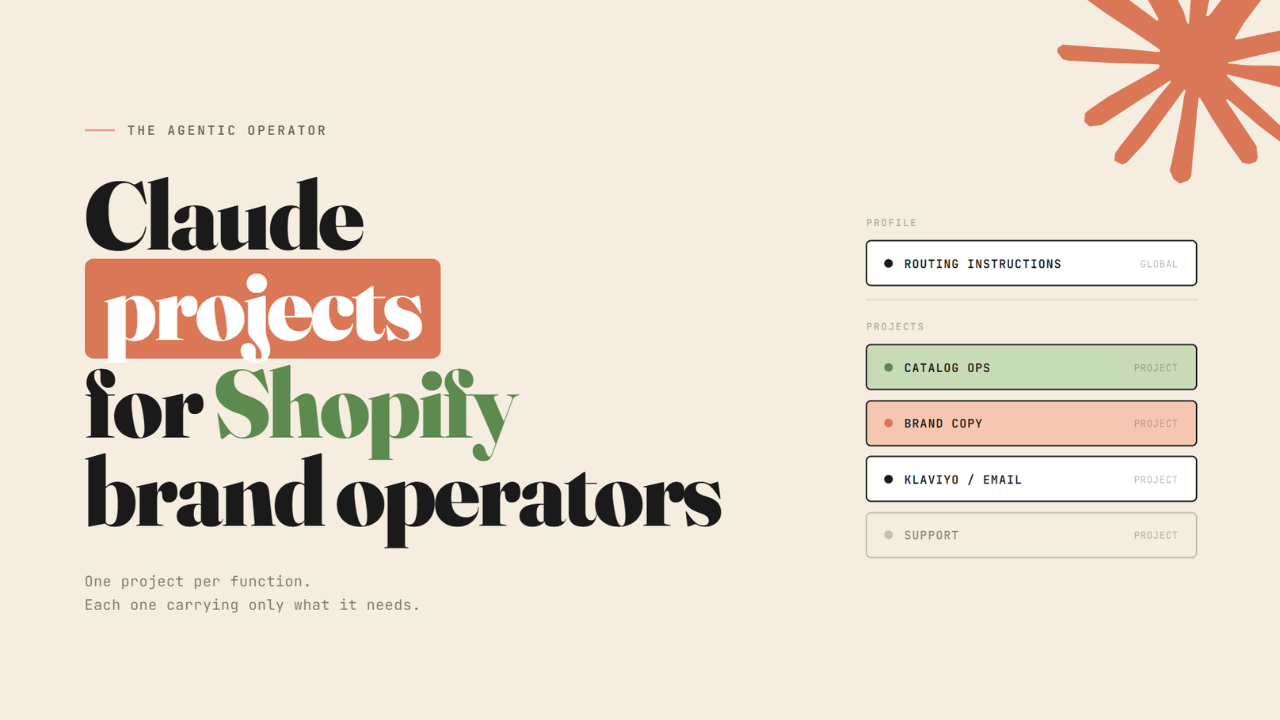
Operators using Claude run multiple tasks through a very long chat. They paste in their brand guidelines, get some copy done, and start the next task in the same session.
That works for simple tasks, but starts breaking down when you are using Claude across different parts of your brand’s operations in the same week - catalog audits, Klaviyo reviews, PDP rewrites, support macros, ad copy, and more.
Each of those needs different rules and a different context window for Claude to do the job properly. When they all share the same chat, that context bleeds - brand voice rules show up in a catalog audit, metafield logic ends up in an email draft, and the outputs feel off without a clear reason why.
There is a setup that prevents this. It organises Claude the same way your teams work - separate workspaces for separate functions, each one carrying only what it needs.
It has three layers.
Layer 1 - Profile instructions

Profile instructions live in Settings → General → Instructions for Claude. They load before every single chat you open, regardless of which project you are in. Think of them as Claude's baseline - what it always knows about you and how you work.
This is where a routing rule belongs - with something like: at the start of every work session, ask what kind of task this is - catalog, email, brand copy, or support - and remind me to switch to the right project before answering.
Without this, you drift into the wrong workspace and end up with the wrong context for the job. One sentence in your profile instructions prevents that.
Layer 2 - Claude Projects

A Project is a separate workspace inside Claude. Each one has its own instructions, files, and chat history. What happens in one project stays there - it does not carry over into your other projects or your general chats.
Projects work on all plans (free accounts get 5)
Inside each project, there are two things to set up:
Project Instructions - a short paragraph you write directly in the project settings, not a file. This is the first thing Claude reads when you open a chat in that project. It tells Claude what this workspace is for and what it should not touch.
Project Files - the knowledge base - files you upload to the project. Voice rules, metafield dictionary, prompt library, escalation playbook - whatever that function needs. Claude reads them automatically at the start of every chat.
The instruction is where most setups go wrong. Operators write "you are a helpful Shopify assistant" and expect the output to change. It does not, because that tells Claude nothing it did not already know. A good instruction has 2 parts: what is in scope and what is out of scope. Here is what those look like in practice.
Catalog project:
"This project handles Shopify catalog operations - taxonomy, metafield enrichment, inventory, product status, bulk edits. It does not handle brand copy, email, Klaviyo, or customer support. Before any write action, show a preview of what will change and ask for confirmation before proceeding."
Brand copy project:
"This project handles PDP copy, email copy, ad copy, and support replies. It does not handle catalog operations or metafield writes. For PDPs, use pdp_voice.md. For email use email_voice.md. For ads use ads_voice.md. Apply brand_voice.md on every response…"
The out-of-scope line is what does the real work. Without it, Claude answers using whatever context is loaded, and the outputs start mixing. With it, each project stays focused on exactly what it is there for.
Layer 3 - The files
Inside each project, keep your context in separate files rather than long documents. The reason is practical - different people update different things at different times.
Your copy lead updates the voice rules. Your ops person updates the catalog guardrails. When those live in separate files, each one has a clear owner and gets updated on its own schedule. When they are combined into one document, nobody is really responsible for it, and it goes stale without anyone noticing.
Add a "Last updated:" line at the top of each file. It gives Claude a sense of how current the information is, and it tells you at a glance whether a file needs a refresh before you run anything important.
I recorded a short walkthrough of this setup.
One more thing - Memory
Go to Settings → Capabilities → Memory and turn it on. Also, turn on Generate memory from chat history. This lets Claude remember things about how you work across sessions. Without it, Claude starts fresh every time you open a new chat.
The brand copy project files
brand_voice.md, pdp_voice.md, email_voice.md, ads_voice.md, support_voice.md. One file per channel, each one mapping to the channel rules in the project instruction above. Drop them into your brand copy project, set the instruction, and Claude writes in your brand voice across every output without being asked each time.
For ops and Klaviyo-related projects, these prompt libraries cover your workflows:
If you want this set up for your team, a few slots are open this month.
- Ankit
If this was useful, the next one will be too.
Weekly. Free.
Unsubscribe with one click.
