How an AI agent reads your product
I ran Atomz's Shopify Catalog audit on a few brands.
It shows the exact data an AI agent receives for one of your products, pulled live from Shopify Catalog, the same feed ChatGPT and other AI agents actually query.
Gymshark's Dayglow Peach sports bra has a 103-word description on the storefront. Only 16 of those words reached Shopify Catalog - in the feed AI agents read.

Rothy's Cruiser Loafer in Espresso Bloom: 54 words written, 14 words made it through.

Neither brand did anything wrong on the page. The gap opens somewhere between the storefront and the catalog feed, and it's invisible unless you go looking for it.
What a product card is
When an agent (ChatGPT, Claude, whatever the shopper's using) looks up a product on Shopify, it gets back a fixed structure: title, description, price, images, availability, and a metadata block, retrieved through one of three functions Shopify exposes -
→ search_catalog to find matches
→ lookup_catalog to refresh known products
→ get_product for full detail on one item
What comes back in that structure is exactly what the agent has to work with when it decides which products (or brands) to recommend.
Two kinds of data on that card
1) The first kind is data you set directly - title, price, images, whatever's actually in Shopify admin.
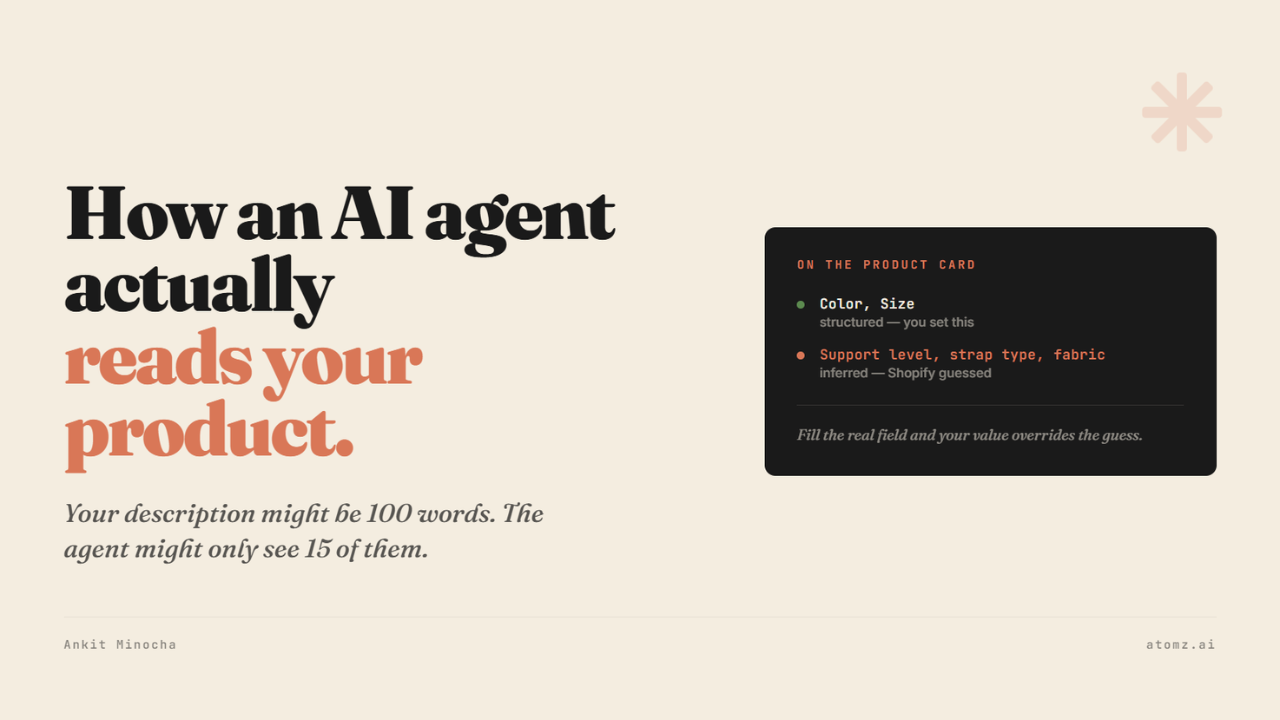
2) The second kind is a guess Shopify's AI makes when a field is empty. Shopify's documentation calls these inferred fields and says outright they "might not always be present" and can have "varying accuracy depending on available product data". Fill the metafield yourself, and your value overrides the guess.
On Gymshark's card, 2 of 7 category attributes are structured (Color, Size). The other 5 (target gender, activewear clothing features, age group, bra closure type, bra coverage) aren't. For those, Shopify fills the gap with an ML guess instead, shown as free text below the attribute list (support level, coverage, closure type, strap type, fabric composition) - text an agent can read but not filter on.

But there's a third thing happening before either of those, and it's the one most brands don't know to check: how much of your written description reaches the catalog feed. Gymshark had 103 words, and only 16 will reach. Whatever's in that missing 80-90% never gets read by the agent at all, structured or not.
Why this compounds
A thin description is fewer words for the agent to match a query against, and also feeds the inference engine. Shopify's AI reads your description to generate the guessed fields - less description reaching the catalog means a thinner, less accurate guess.
Rothy's shows the same pattern from a completely different category: 3 of 7 attributes structured on this one product. Catalog-wide, Target gender is correctly set on 71% of Rothy's products, but Age group, Care instructions, Closure type, and Footwear material are still running on inference across the board.
Where to start
Two separate things need fixing:
Category metafields - set your product category correctly, fill in what that category unlocks. This is the fields-you-control side.
Check what's actually reaching the catalog feed - a long description on your storefront doesn't guarantee the agent sees more than a fraction of it.
Doing this manually across a real catalog is where merchants fail, which is the reason Atomz exists. It reads your catalog and automatically fills whatever is required.
Get Atomz on your store - enrich your products with AI at scale.
Or, book a free strategy call for a quick walkthrough.
- Ankit
If this was useful, the next one will be too.
Weekly. Free.
Unsubscribe with one click.
