How Shopify store search handles what shoppers describe
Most stores I tested missed
Shoppers now ask ChatGPT and Google's AI Mode for products the way they'd ask a friend. They describe what they need and get a shortlist back.
They bring that habit to your store. They type sentences like "wide fit sandals with arch support" or "dress for a fall wedding guest under $150" into your search box. Your store asks them to turn each one into clicks.
Each of those clicks has a cost.
Marketing researchers studied 6 months of sandal shoppers on a retailer's mobile app. In an average session, a shopper saw about 21 pairs and opened fewer than 2 of them.
Opening a product page took about 4 times the effort of scanning a list. Researchers estimated that cutting that effort in half would lift purchases by about 20%.
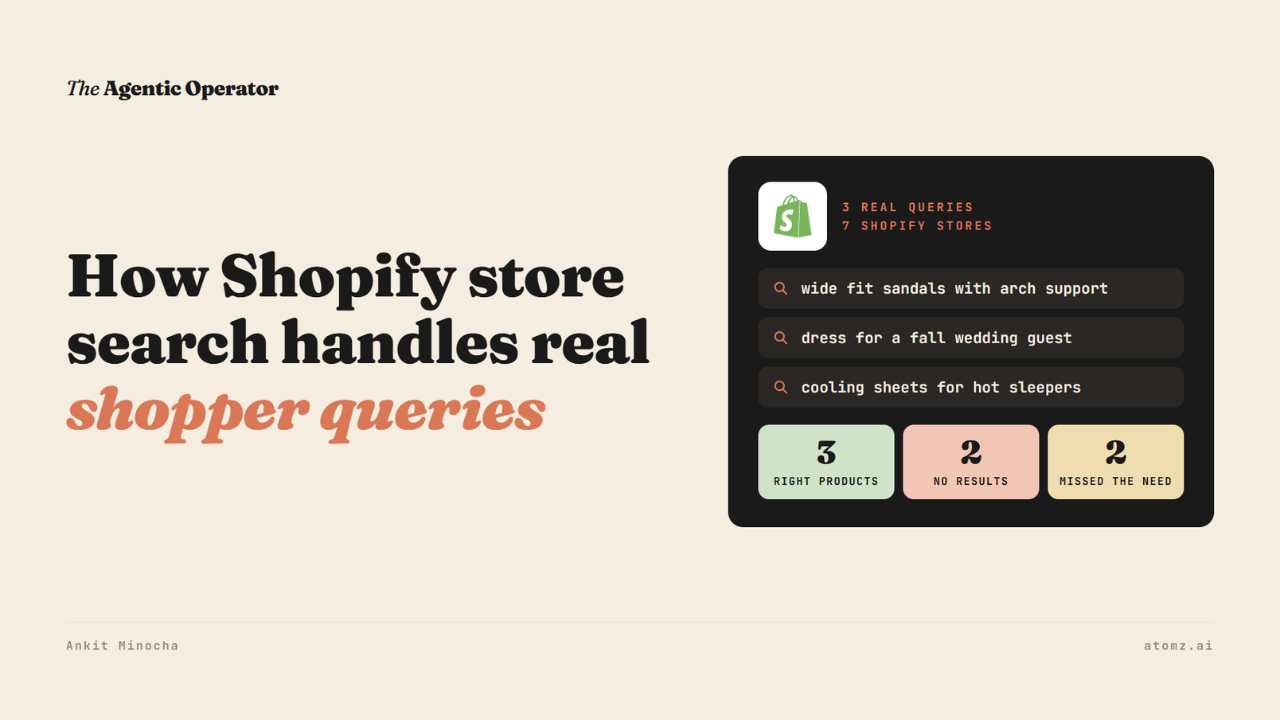
So I ran a small test. I typed 3 real shopper sentences into the search box of 7 Shopify stores and looked at what came back.

Source: each store's own search
3 of the 7 stores found the right products. 2 found nothing at all. The other 2 found the right kind of product, but not what I asked for.
What worked
On Collective Shoes, I typed "wide fit sandals with arch support". Search set the category to sandals and auto-applied Wide and Arch Support as filters.
104 sandals came back, all of them wide fit with arch support.

Source: Collective Shoes, a footwear store
On Brooklinen, "cooling sheets for hot sleepers" brought back percale sheets first, each labelled Cooling on the results.
On Cozy Earth, the same sentence brought back bamboo sheets first. Their descriptions talk about staying cool.
All 3 stores had one thing in common. The words I typed were already written into their product data.
Three places shoppers lose time
1/ The full sentence finds nothing - Both fashion stores in the test sell plenty of wedding guest dresses. When I typed the full sentence, both showed zero results. When I typed just "wedding guest dress", both worked.

One of the two fashion stores
I saw the same thing on Nike's search bar in an earlier test. It worked when the query used Nike's own words.
2/ The words aren't in the product data - A home brand's search returned 161 results for "cooling sheets for hot sleepers". The top 8 were linen and Tencel sheets, which is a fair guess.
But none of those 8 descriptions mention cooling, breathability or temperature. So a shopper has to open each one to work out which sheet will keep them cool.
Shoppers notice this. In a 2025 survey of 1,900 US and UK shoppers, 53% said they'd abandoned a purchase because titles or descriptions were incomplete or poorly written.
3/ The results mix in what the shopper didn't ask for - A sandal brand's search returned 337 results for "wide fit sandals with arch support". The first result was a men's beach sandal. The store has Width and Arch filters on its sandal page, but search didn't use them.
So the shopper has to scroll. In the same survey, 41% said they go up to page 3 of search results before clicking a product.
Test your own store
1/ Pick 3 sentences your shoppers use. Your Shopify search reports, product reviews and support emails are good places to find them.
2/ Type each one into your search box as written. Did it apply filters, show nothing or show the right category without what you asked for?
3/ Open the first 3 results. Check that the words from the sentence, like width or cooling, are written on the page.
4/ Now find the same product by browsing from your homepage. Count the clicks and page loads it takes.
Your shoppers already know what they want - each step between their sentence and the product is one more place to lose them.
Atomz AI reads the shopper's sentence in your search box, applies the filters it implies and fills in the product data those words need to match. Book a demo →
- Ankit
If this was useful, the next one will be too.
Weekly. Free.
Unsubscribe with one click.
