7 things from Shopify Spring '26 Editions to act on today
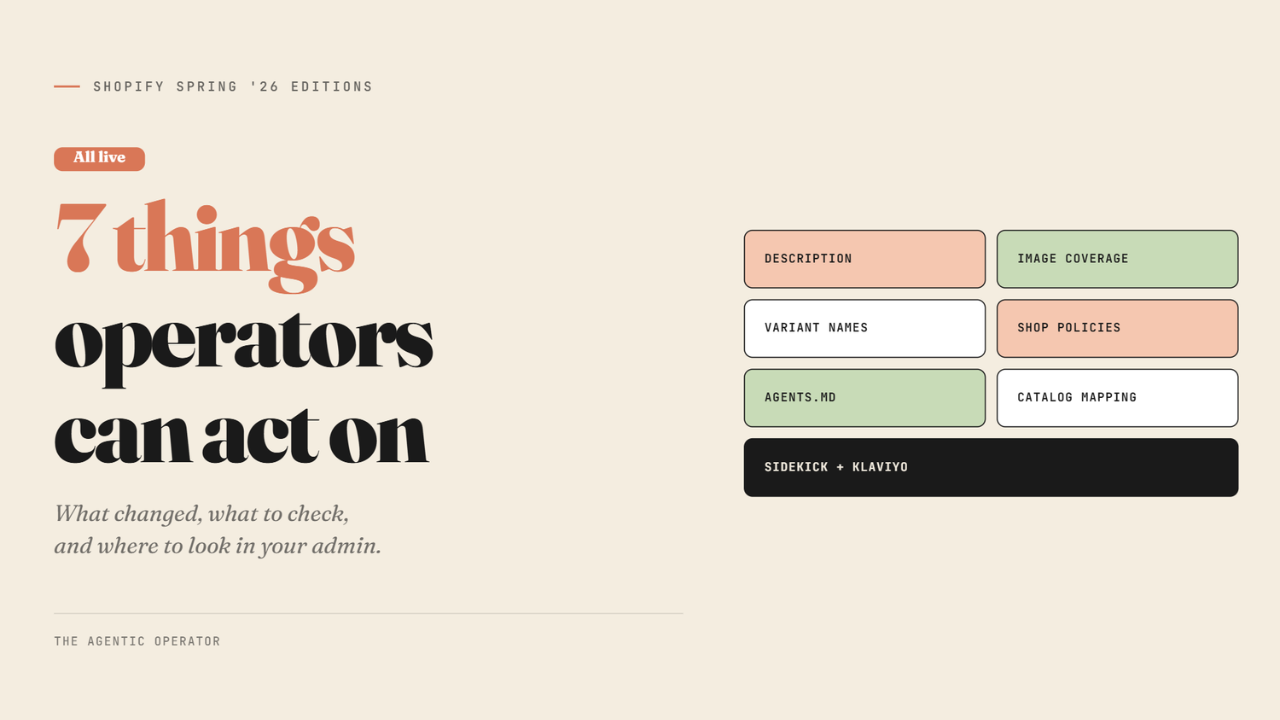
Shopify Spring Editions is here.
100+ announcements across agentic storefronts, Sidekick, online, retail, payments, and developer tooling - and most of it is platform operations. Faster POS, new analytics chart types, improved shipping workflows, Flow updates, and more - see all.
But a few of them change what happens when a customer asks ChatGPT to recommend a product in your category. I am sharing 7 of them that either expose agents to something in your store or change how agents interact with your catalog.
Your products pass through two layers before a customer sees them in any AI channel.
First, Shopify ranks all eligible products against the agent's query and returns a shortlist. You can check out the 6 layers here.
Second, the AI channel - ChatGPT, Microsoft Copilot, Google Gemini - then re-ranks Shopify's shortlist using its own model before the customer sees anything.
If you don't make Shopify's first cut, you never reach the second layer.
Everything below is about that first layer.
1/ Description completeness
Shopify now shows a Listing Quality score per product. Measures word count - not keyword density or how well the description answers a natural language query.
There is a specific rule underneath this that matters for stores with legal disclosures: the first 6,000 characters of your description are what agents see in a direct checkout context (where an agent completes the purchase without the customer visiting your store).
If your product has ingredients, certifications, or regulatory warnings, they need to lead and not sit at the bottom of a long product detail page (PDP).
Those who stripped descriptions down for visual PDPs are getting penalised here without knowing it. Go to admin → Agentic, sort by lowest Listing Quality, and start there.
2/ Image coverage
Shopify measures how many images your product has. The reason is different from why a shopper needs multiple angles on a PDP. Agents use your images to represent your product visually across contexts you have not designed for - a ChatGPT shopping card, a Copilot product comparison panel, a Gemini result. A single hero image does not give them enough to work with across all of those surfaces.
3/ Variant names
Shopify's variant completeness signal specifically flags names with acronyms or numbers that agents cannot interpret. "BLK-14A" fails. "Black / 14-inch" passes.
An agent trying to match a customer query like "black 14-inch laptop bag" needs to read the variant name, not decode it. This pattern is common in apparel and electronics catalogs. Run a bulk product export from admin, filter for variant names containing hyphens or mixed alphanumeric strings, and clean those first.
4/ Shop policies
Shopify checks whether your shipping, returns, and refund policies are present.
The part that is easy to miss: your policy URL is a structured field in the product data that Shopify sends and agents receive when they call the Catalog API (the system Shopify uses to send your product data to AI channels).
An agent recommending your product can quote your return policy because it came embedded with the product data, not because the agent went looking for it separately.
If your policies are blank or sitting on a default Shopify placeholder, agents will have no policy information to share about your products.
Go to Settings → Policies and fill each one properly.
5/ agents.md
Every Shopify store now automatically serves three URLs:
/agents.md, /llms.txt, and /llms-full.txt
These are machine-readable files that AI agents read before interacting with your store. Think of them as the new robots.txt, except instead of telling crawlers what not to index, they tell agents what your store sells, how it works, and where to find your products.
Go to yourdomain.com/agents.md right now. The default content Shopify generates is thin: store name, sitemap link, and your policies.
If your store uses metafields, has a custom taxonomy, or sells in a niche where context matters, none of that is in the default file. You can override all 3 with an agents.md.liquid template in your theme editor - Shopify's documentation.

Source: The Oodie
6/ Catalog Mapping
Catalog Mapping is where you tell Shopify which field actually drives the agent payload for your product title, description, and category. By default, Shopify uses your storefront fields - the ones written for display and SEO.
Catalog Mapping lets you point those to a metafield or metaobject instead, without changing anything on your storefront. If you have enriched product data sitting in metafields, this is how you connect it to what agents actually receive.
Stores using custom metafield setups, Combined Listings, or tag-based product grouping logic are the most likely to have a gap between what their storefront shows and what gets sent to the Catalog API.

7/ Sidekick + Klaviyo
Sidekick launched its first wave of app extensions this edition. Klaviyo is in that first wave, alongside Loop Returns, Smile, Yotpo, Judge.me, and AfterShip - full list here.
If your Klaviyo account is connected, you can ask Sidekick about flow performance, campaign stats, and segment health from inside the Shopify admin chat, without switching tabs or logging into Klaviyo separately.
Open the Sidekick icon in your admin. If Klaviyo appears as a connected app in the extensions panel, it is live. Try out these Klaviyo Prompts.
One more signal worth mentioning - Reviews
Shopify's Listing Quality score measures your average product rating and review count, but it only counts reviews verified by trusted sources, not unverified submissions from third-party apps. This one accumulates over time and is harder to move quickly, but it does factor into how AI weights trust and popularity when ranking products.
What’s not measured: whether your structured attributes are filled in
Shopify auto-derives material, style, occasion, tech specs, and selling points from your existing product data using ML, with varying accuracy. When you fill the actual attributes yourself, those override Shopify's inference. When you don't, agents shop based on whatever Shopify guessed from your description text.
Today, only Color, Size, and Target gender are filterable in agent search. When filtering expands to Material, Style, Fit, and Ingredients - which is where the Catalog API is headed - the brands with those attributes already structured are the ones that get surfaced first. That layer is what the Listing Quality score does not see.
And it is the gap Atomz is built to close.
- Ankit
If this was useful, the next one will be too.
Weekly. Free.
Unsubscribe with one click.
