Google turned on checkout in AI Mode for Shopify stores
what a shopper sees when they buy
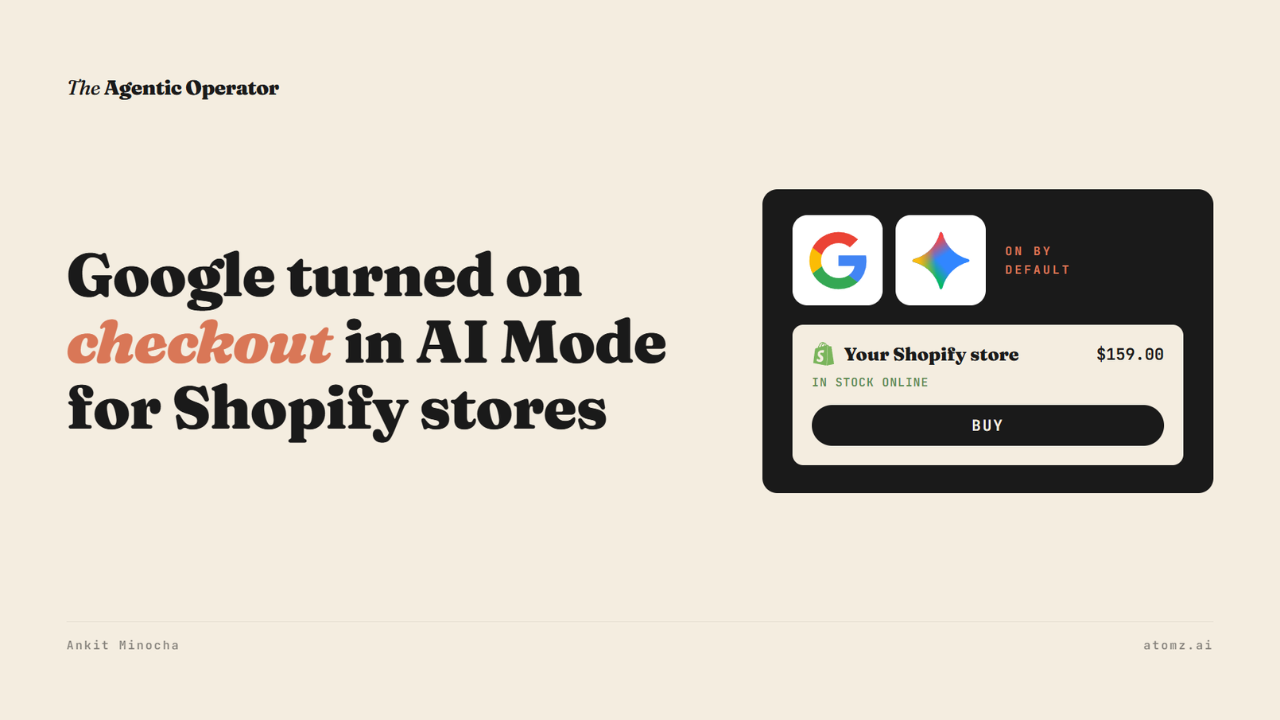
Google has switched on native checkout in AI Mode and Gemini for eligible US Shopify stores.
A shopper can now hit Buy on a product inside Google's AI answer and pay without visiting your site.
Shopify merchants started getting an email from Google about it last week. It said eligible products "are automatically included", with "nothing for you to set up".
So it's on by default. Shopify's help page confirms that. It also says it's still rolling out to stores.

Source: Shopify Help Center
Earlier this week I wrote about AI agents finishing checkout on your Shopify checkout page. That one runs on your site. This one runs on Google's.
What a shopper sees
I checked a few Shopify brands in AI Mode from a US connection.
For "I want to buy the Our Place Large Always Pan", the product panel listed Our Place's offer with a Buy button under it.

Source: Google AI Mode
Clicking Buy opened a Google pop-up called "Review your order". It showed the pan at $159 and Our Place's 100-day return policy.
Then it asked me to add a card through Google Pay and a shipping address.

Not every Shopify store has it yet. Graza and Encha both sell on Shopify. Their offers showed no Buy button.
The sponsored Our Place listing above it had no Buy button. Only the regular listing did.
Where Google gets your products
ChatGPT and Meta search the Shopify Catalog API.
But Google doesn't pull your products from Shopify directly. It uses your Google Merchant Center account and many Shopify stores fill that through the free Google & YouTube app, which syncs your products over automatically.
Shopify lists what a store needs to qualify:
A US store selling to US shoppers
A Merchant Center account with your products in it
Products eligible for Shopify Catalog
Terms of service, privacy policy and a return and refund policy filled in
The checkout itself is Shopify-powered. Your discount codes, shipping rules and checkout validation carry over.
What a shopper reads about your product in AI Mode comes from your Merchant Center, your product feed. Last week I shared which attributes Google's AI report flags for your category, and how to fill them in Shopify.
What changes on your side
Selling there costs nothing beyond your normal payment fees. You remain the merchant of record, so returns and support are yours.
Some things don't carry over:
Google Analytics and custom pixels don't fire. Only two server-side events do - checkout started and checkout completed.
Subscriptions, bundles, customizable products and B2B-only items can't be bought there.
Local delivery and in-store pickup aren't offered.
Checkout app blocks load only if they're set to block checkout. Upsells, loyalty, trust badges and terms text might not show.
You can turn it off. Go to Sales channels > Agentic, turn off "Allow Shopify to manage for me" and click Google AI Mode and Gemini. Switch off Direct checkout and shoppers get sent to your site to buy.
Four checks for you to do
1/ Open Sales channels > Agentic > Google AI Mode and Gemini and see whether Direct checkout is on.
2/ In the Google & YouTube channel, make sure product sync and shipping sync are turned on. That feed is where Google picks up your products.
3/ Fill in your return and refund policy in Settings > Policies and match it in Merchant Center. Google showed Our Place's return window right on the order pop-up.
4/ Search your best seller in AI Mode from the US and check whether your listing has a Buy button.
Google can close the sale inside its AI answer. Which products a shopper sees there still comes from your feed.
Atomz AI fills in the attributes shoppers ask about across your catalog, so the feed Google reads carries them. Get in touch for a demo.
The audit shows what an AI agent reads from your catalog and how you compare with competitors for the same shopper queries. Audit now →
- Ankit
If this was useful, the next one will be too.
Weekly. Free.
Unsubscribe with one click.
