Meta will open your ads in-app and crawl your store
and what it can crawl two days later
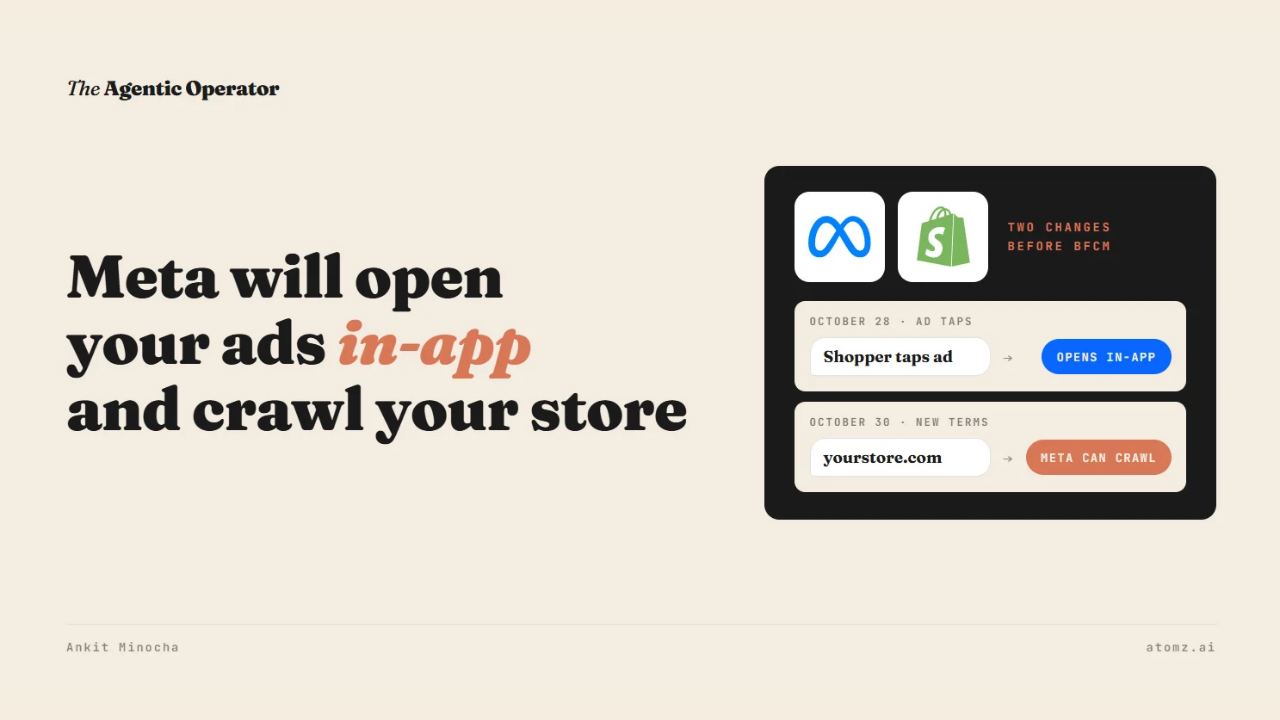
Meta has two changes landing before Black Friday. Both have a date.
October 28 - a tap on an ad you're already running may open product details inside Facebook or Instagram first, unless you opt out
October 30 - Meta's new business terms let it crawl the websites tied to your products and pull updates from them
Both run on your product data. Meta reads it from your site and catalog, then shows it to the shopper inside Facebook and Instagram.
Last week I shared how Meta is testing checkout inside a brand's own AI agent. These two touch ads and pages you have live today.
What a shopper sees after the tap
Meta calls it product browsing. It's an option in Advantage+ creative that advertisers could switch on before.
From October 28, Meta turns it on for your running ads.
A shopper who taps the image or video can land on a page inside Facebook or Instagram with product details and offers. The shopper then goes to your website to buy.

Source: Meta
Meta told advertisers that businesses saw 3% more conversions with product browsing. That number comes from Meta's own test across about 117,700 advertisers in August. The notice doesn't say which conversions it counted or where they were tracked.
What Meta can crawl from October 30
The new terms cover any business use of Meta. That includes running ads, managing a Page, listing products, using a product catalog or using Meta Business Suite.
They let Meta send crawlers to the domains and pages tied to your products and pull updates from them on a regular basis.

Source: Meta
The first published version also said Meta could use that content to "train" its products. After pushback from publishers, Meta took the word out and said the crawling is for its ads and business products. The US version of the terms reads that way now.
To reject the terms, a business has to stop using Meta's products for business. Meta says site owners can still use robots.txt to tell its crawlers what to skip, though the terms themselves don't mention robots.txt.
Meta's crawler page lists them by job. Meta-ExternalAds is for advertising and business products. Meta-ExternalAgent is for training AI models.

Source: Meta
My read is that a store running Meta ads has little reason to block the ads crawler. The training crawler is a separate choice that robots.txt can handle on its own.
Four checks before the updates happen
1/ In Ads Manager, open your top ads and check their Advantage+ creative and destination settings. Turn product browsing on or off for each one. Meta's notice also has an opt-out button that works until October 28.
2/ In Shopify, open the Facebook & Instagram channel and check which products sync to Meta. That catalog is what Meta usually works from inside its apps.
3/ Open yourstore.com/robots.txt. A default Shopify file doesn't name any Meta crawler, so they follow the rules set for all bots. If you don't want Meta's training crawler on your pages, add a rule for meta-externalagent and leave meta-externalads alone.
You can do this under Online Store > Themes > Edit code by adding a robots template, keeping Shopify's default rules and adding yours below them.
4/ Open your top 5 product pages. Check size, material and shipping details are written in the text as well as shown in images. That's what Meta's crawler and catalog pick up.
I recently got to talk with Sam Wright from Blink SEO. Blink works only with large-catalog Shopify stores on SEO and paid ads, including Meta. We think about product data the same way. It decides how a store shows up in search, Meta ads and AI.
Sam also writes #BlinkTank, a weekly email for big Shopify catalogs. Last week's looked at compare-at prices across stores and found some showing a "was" price on almost every product for months. AI agents now read that price and repeat it to shoppers.
What Meta shows inside its apps comes from your product pages and catalog. The Shopify Catalog audit shows what an AI agent reads from your catalog and how you compare with competitors for the same shopper queries. Audit now →
Atomz AI fills in category attributes across your catalog, so the product details Meta shows carry what shoppers ask about. Get in touch for a demo.
- Ankit
If this was useful, the next one will be too.
Weekly. Free.
Unsubscribe with one click.
