Shopify Analytics now shows which product attributes sell
and why it only counts the fields you've filled in
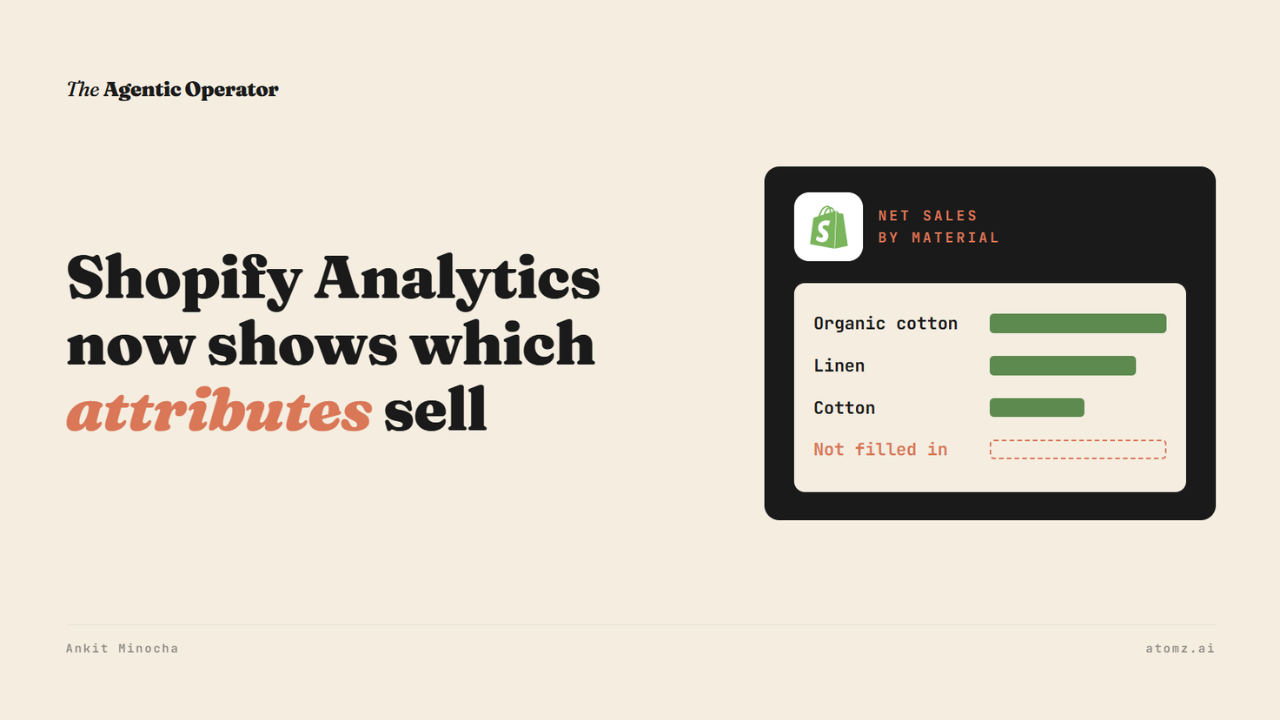
Shopify Analytics can now break down your sales by color, material, fit and other attributes in your product data.
Shopify added it to the changelog last week. Until now, those attributes stayed on the product page. To see which materials or colors sold, you had to export the data.
Now they sit in Analytics next to your sales numbers. If your products already have a category, there's nothing to turn on.

Source: Shopify Changelog
If you've been reading along, you know I keep coming back to these fields. They're what an AI agent filters on when it searches Shopify Catalog.
Now you can see which values sell.
What you can do in Analytics now
These attributes are called category metafields. They're the fields that appear on a product once you pick its category, like Color, Material, Fit, Fabric, Size and Activity.
Shopify lists three ways to use them:
Group a sales report by any of them
Filter a report to one value, like organic cotton
Use them in Reports, Explore and the query editor
I ran through it in our demo store. Go to Analytics > Reports > New exploration and add Net sales as the metric.
Then click Dimensions > Products. Below the usual product fields there's a new section called Category metafields.

Source: Shopify Analytics
Pick Color and the report turns into net sales by color.
If a product has more than one value, say a two-tone shirt, Analytics keeps those values together on one row. Its sales don't get counted twice.
The report only counts what's filled in
A product with no material set has no material to report.
So its sales can't be split by material at all.
Most of what shoppers ask about isn't in a field yet. Across 400,000+ live Shopify products, we found 51% of what a shopper asks about sits somewhere in readable text. Only 6% of that is filterable. Read the Catalog Visibility Report →
The same field can power your storefront filters. It's also what an agent filters on in Shopify Catalog. Your sales report groups by it too.
Earlier I checked how many shopper searches even land on a Shopify attribute. It was 26%. On those searches, an empty field leaves your product out of the agent's filter and out of that breakdown in your report.
Three things for you to run
1/ Run net sales by the attribute shoppers name most in your category, like material for apparel, over the last 90 days.
2/ Open your 10 best sellers and look at the Category metafields section. If a product has no category, assign one first so the fields show up.
3/ Filter the report to one value shoppers search for, like organic cotton. Run it again for cotton and compare what each sold.
Sales report and AI agents work from the same fields - an empty one leaves a gap in both.
The Catalog audit shows what an AI agent reads from your catalog and how you compare with competitors for the same shopper queries. Audit now →
Atomz AI fills in category attributes across your catalog, so your reports and AI agents have values to work with. Get in touch for a demo.
- Ankit
If this was useful, the next one will be too.
Weekly. Free.
Unsubscribe with one click.
