Run these 7 AI agent checks before Black Friday
and each takes a few minutes
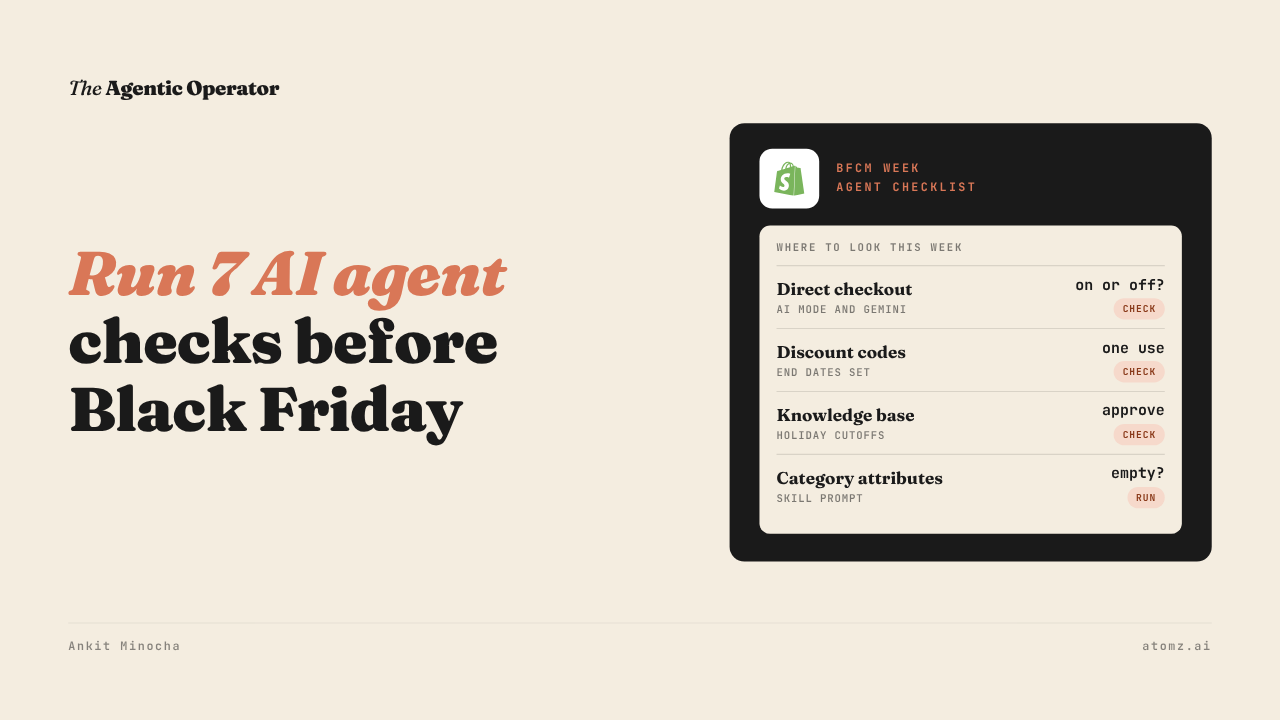
Black Friday is on Friday.
Over the last few months I've covered where AI agents now find, read and sell your products. Here are seven checks from those issues, with a link to each full story.
Each one takes a few minutes to start.
1/ Google's checkout for your products
Google switched on checkout in AI Mode and Gemini for eligible US Shopify stores, on by default. A shopper can buy without visiting your site.

Source: Shopify Help Center
Go to Sales channels > Agentic, turn off "Allow Shopify to manage for me" and click Google AI Mode and Gemini. See whether Direct checkout is on and fill in your return and refund policy under Settings > Policies.
2/ The codes Google quotes
AI Mode lists discount codes in its answers, with an end date for each. Where a brand gave no date, it guessed one or took codes from coupon sites.

Source: Google AI Mode
In Discounts, end the codes you don't want used. Give every Black Friday code an end date, add Google as a sales channel and set first-order codes to one use per customer.
3/ What agents can say about your store
Shopify's knowledge base is where agents read policies, shipping, returns and other facts about your store. Nothing Shopify drafts reaches an agent until you approve it.

Source: Shopify admin
Go to Sales channels > Agentic > Knowledge base. Approve or reject each suggestion and add the facts shoppers ask about most in BFCM week, like holiday shipping cutoffs.
4/ Your sale price, as agents see it
Your compare-at price is how agents know a product is on sale. Shopify Catalog sends it to them as a list price. Google uses it to show your markdown and to send price-drop alerts from its cart.
Go to Sales channels > Agentic, click Shopify Catalog under Sources and open Review product data mapping. Keep the Compare-at switch on if your compare-at prices are pre-sale prices. Turn it off if they hold an MSRP.
Then in the Google & YouTube channel, make sure product sync and shipping sync are on, so the price Google shows keeps up with your sale.
5/ ChatGPT paying on your checkout
ChatGPT's agent can now pay for orders on your own checkout. OpenAI says some stores turn it away by accident through bot protection or fraud settings.
If you run your own CDN, a firewall or a bot-blocking app, check it lets ChatGPT's agent through. Ask your fraud app whether it recognizes these orders.
6/ The fields agents filter on
Inside a category, agents filter on the attributes that category defines, like color, material or fit. A product with those fields empty can match the category and still give the agent nothing to confirm.
With your Shopify store connected to Claude and The Agentic Operator skill installed, type /the-agentic-operator and ask "which category attributes are empty". It shows how many products have a category, how many attributes each one has filled and which category to fix first.
Start with the products you're promoting this week.
7/ Your store's profile in ChatGPT
You can now claim your store in ChatGPT and see how often it mentions you. Verification can take a few days, so this one is worth starting today.

Source: Shopify admin
Open Apps > ChatGPT in your admin, click Get started and answer the delivery and returns questions the way your policy pages read.
Before an agent checks out, it has to pick your product. The Shopify Catalog audit shows which brands AI recommends ahead of yours for your queries. Run the audit →
The skill shows where your category attributes are empty. Atomz AI fills them across your whole catalog, so you don't do it by hand. Book a demo.
- Ankit
If this was useful, the next one will be too.
Weekly. Free.
Unsubscribe with one click.